
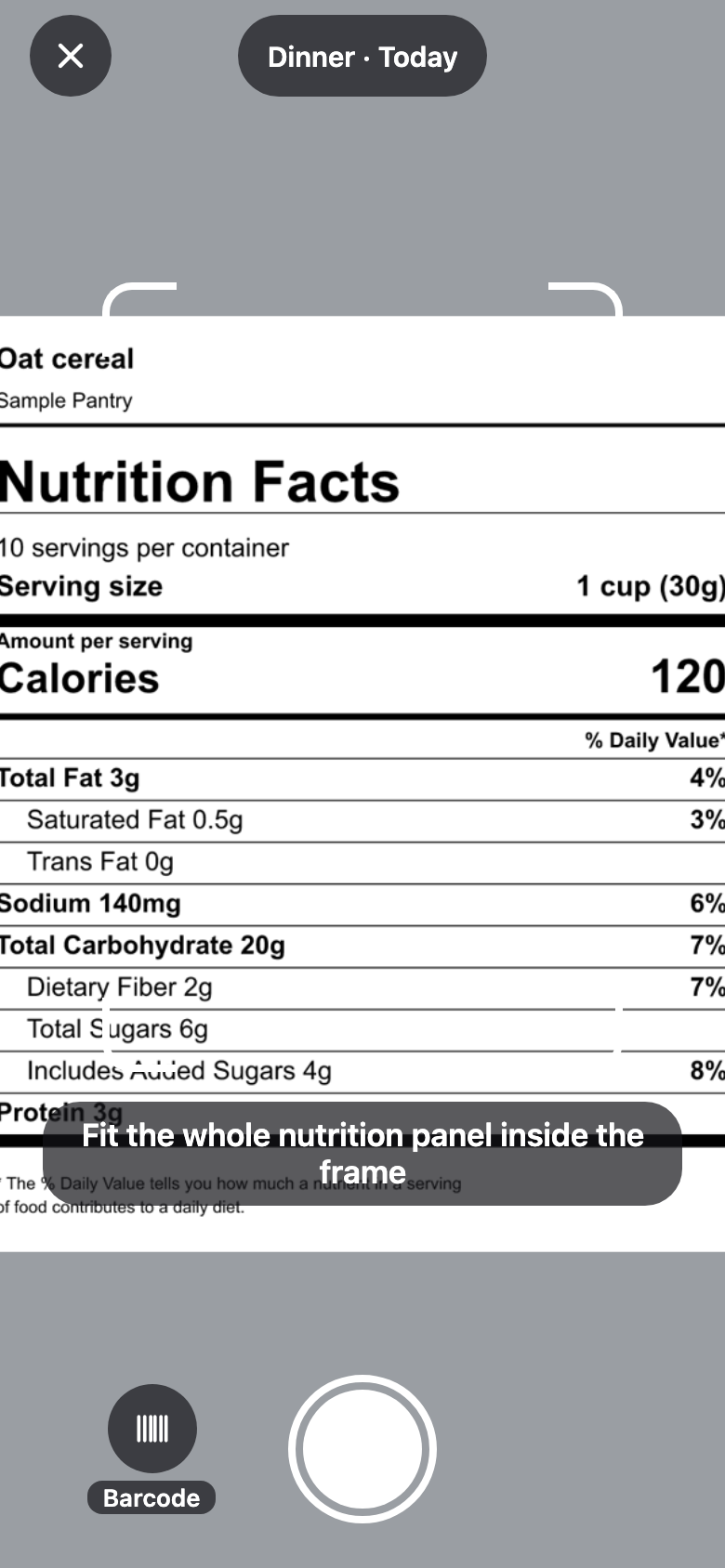
Photograph the label.
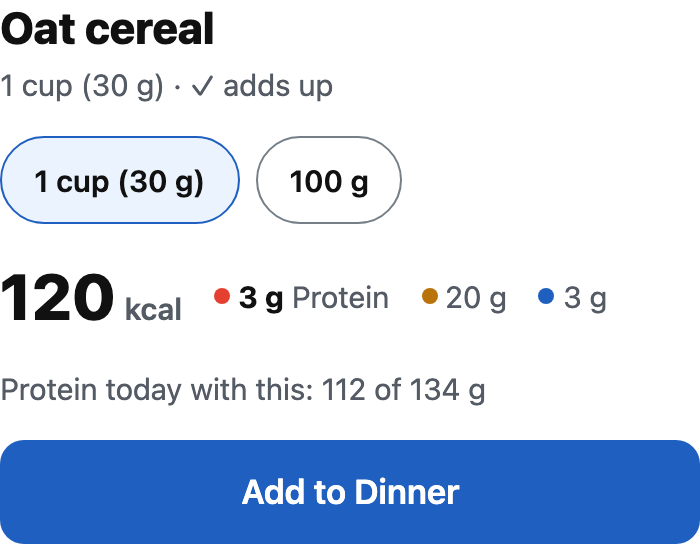
The values are read for you, with a check that they add up. One more tap adds it to your meal.
Log a meal in seconds and see where your day stands, protein first.
The values are read for you, with a check that they add up. One more tap adds it to your meal.
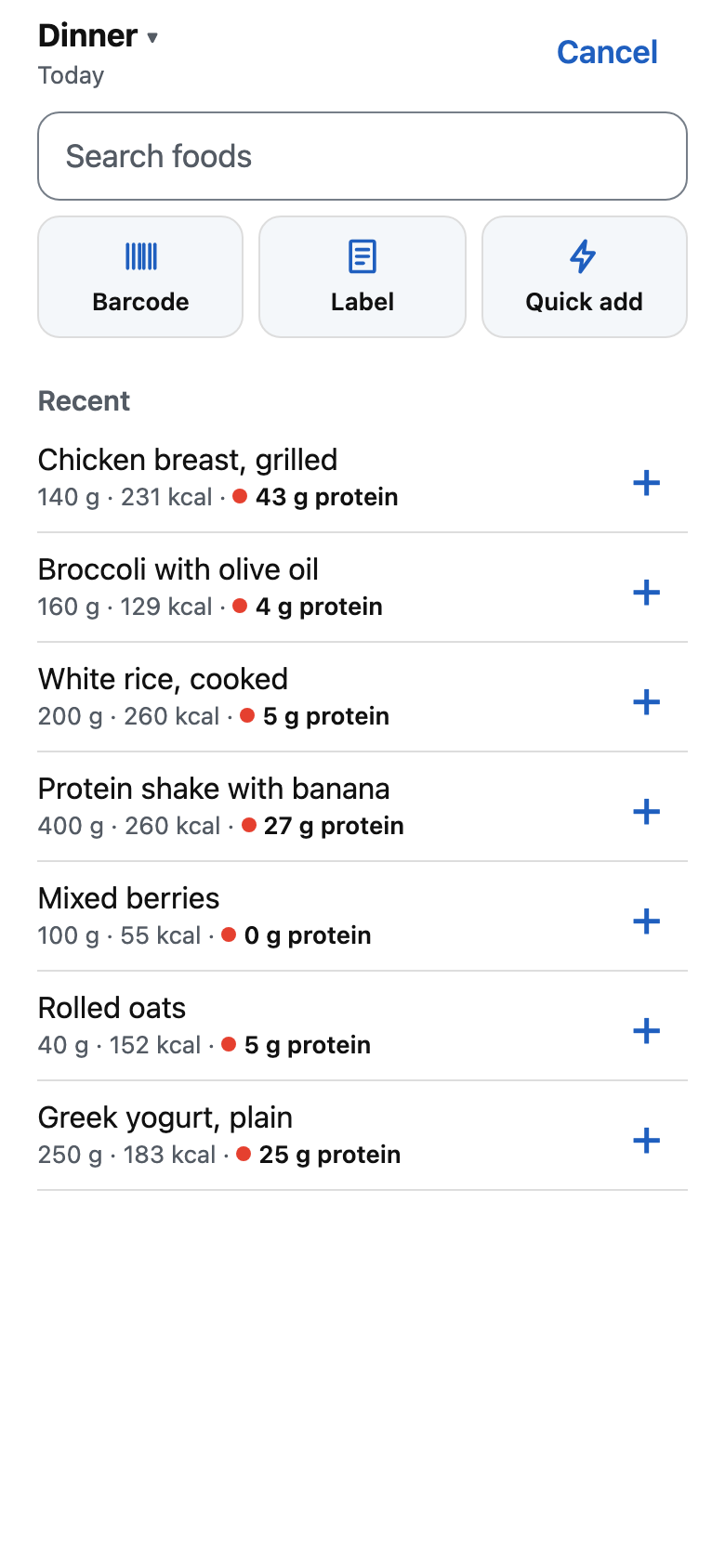
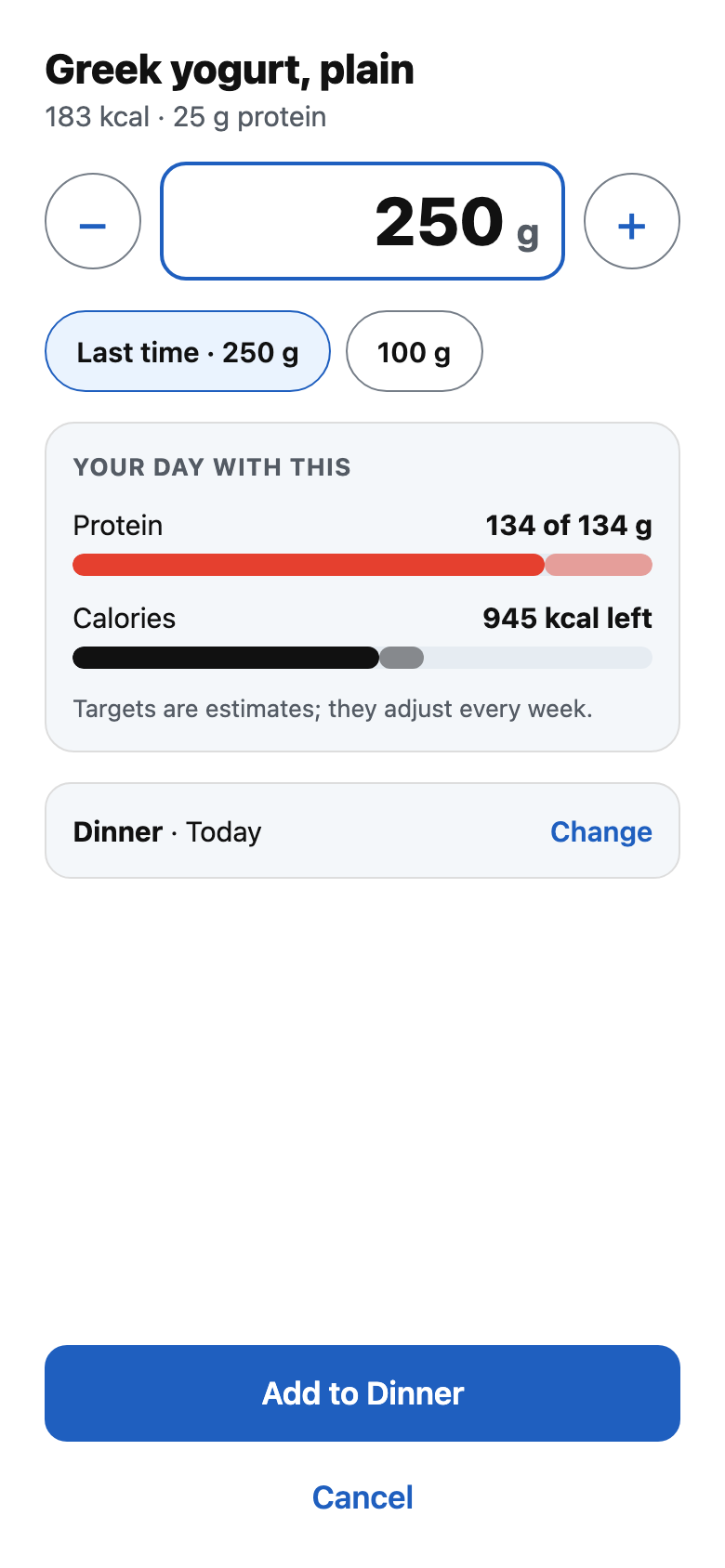
What you've eaten before sits on top. The + adds the same amount again.

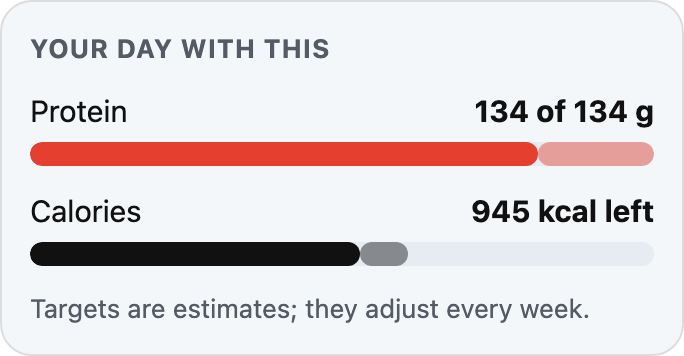
Every amount shows what it does to your protein and calories for the day.
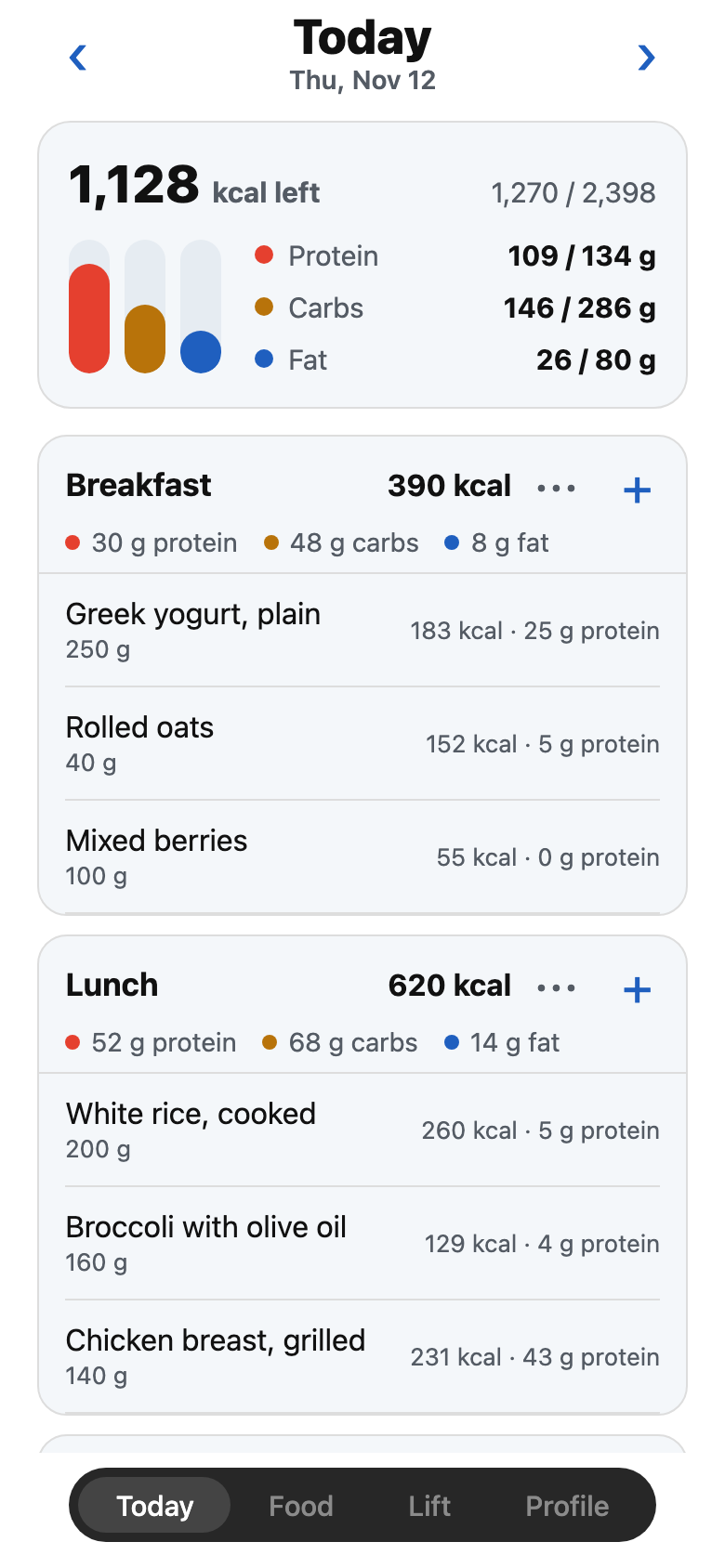
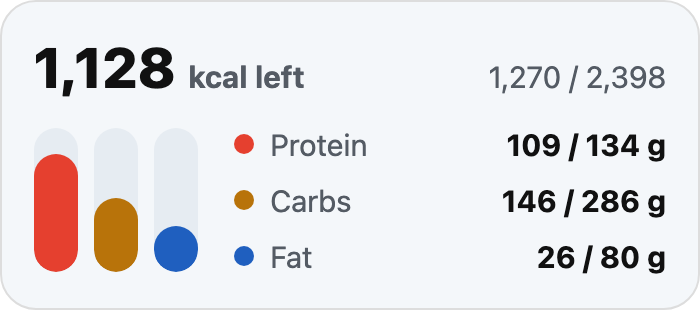
Calories left, then protein, carbs and fat against your estimate for the day. Every food shows its protein.
Your routine, your sets and your records, in the same app as your food.
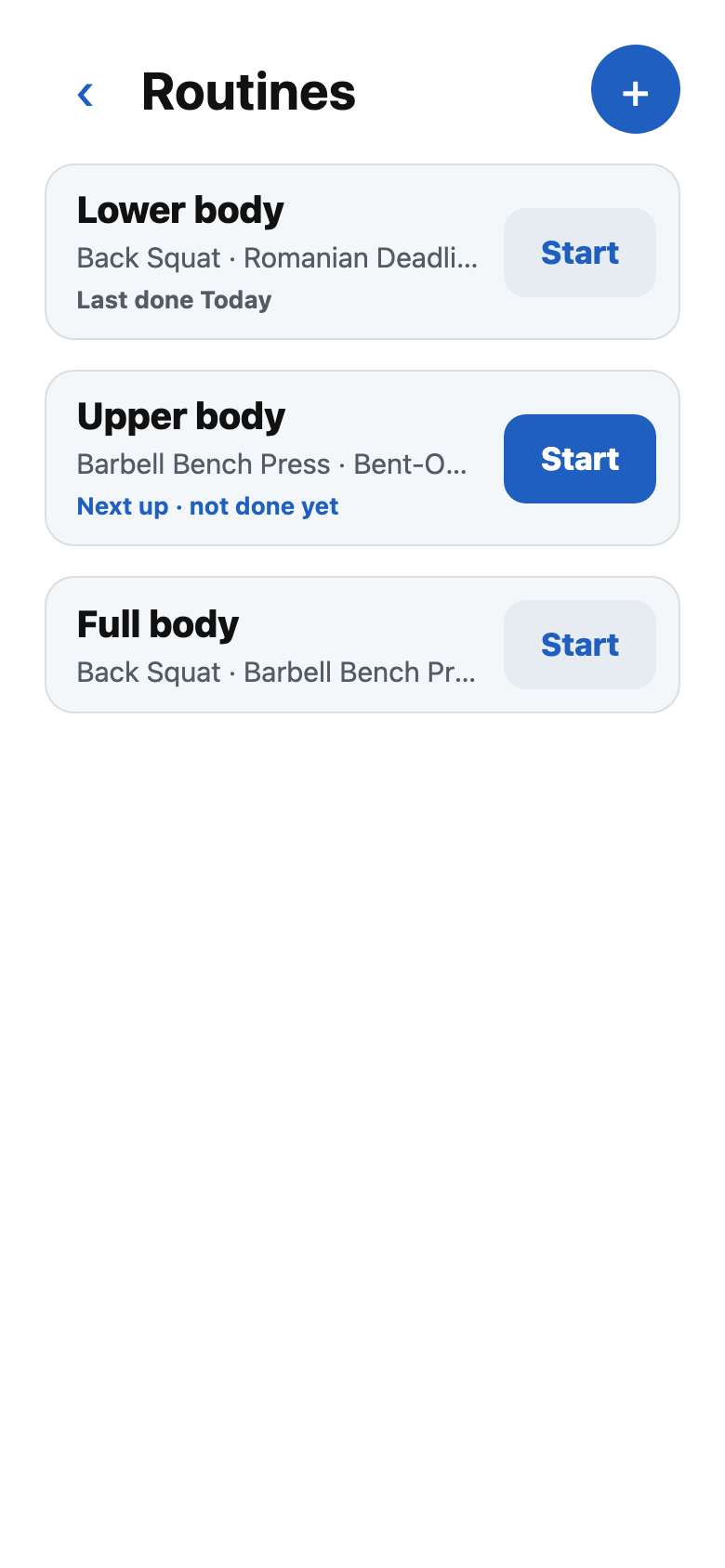
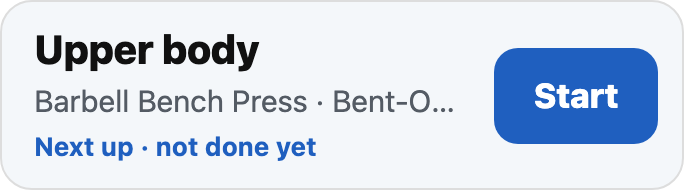
Set the exercises, sets, reps and rest once. The one that is next is marked, with Start beside it.
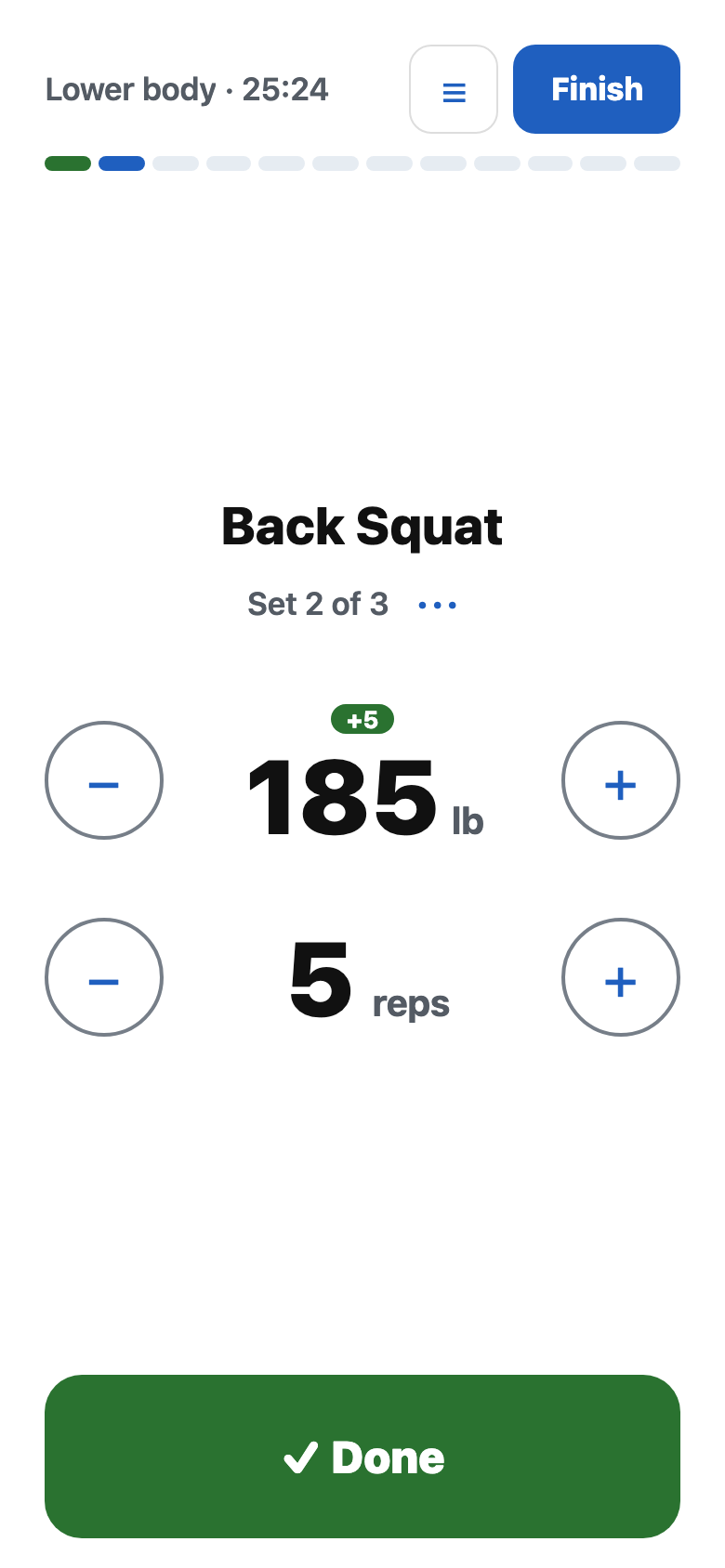
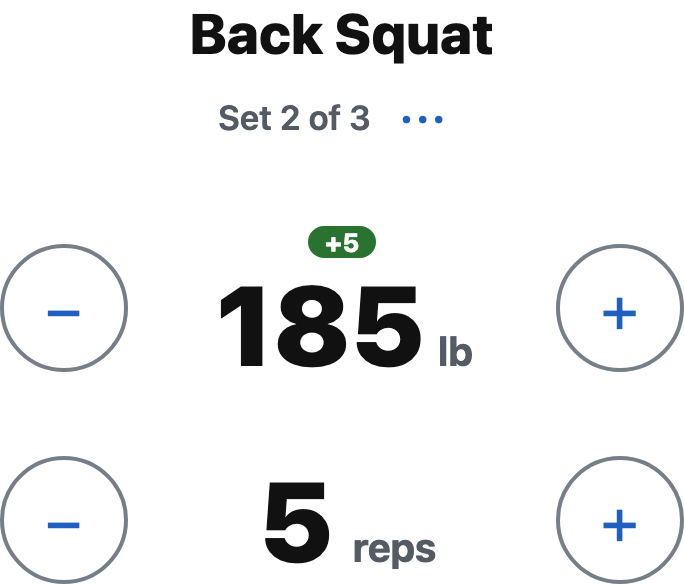
The weight and reps you planned fill the screen, and a tag shows when it is heavier than last time. Tap Done and the next set follows.
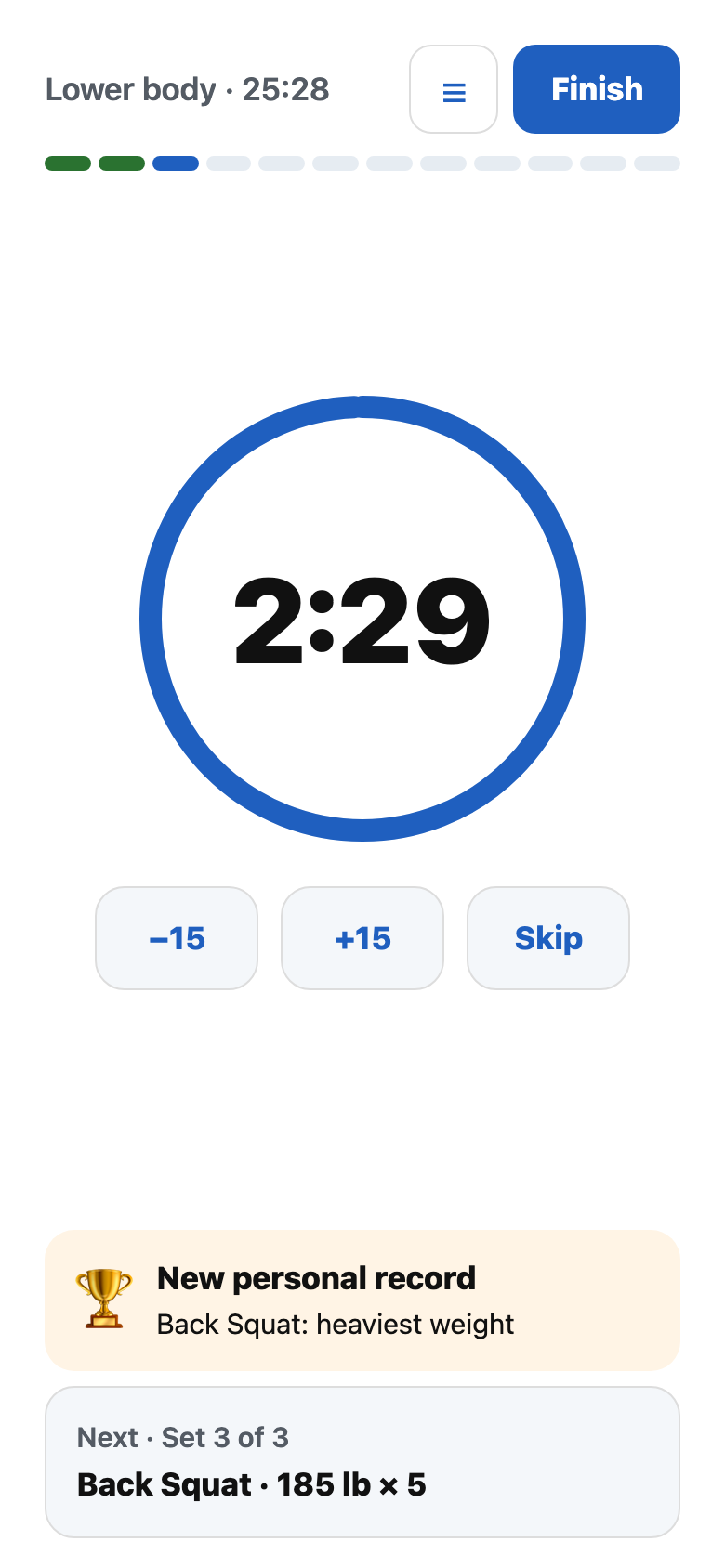
Done starts the rest you planned and shows what comes next. A new best is flagged right there.

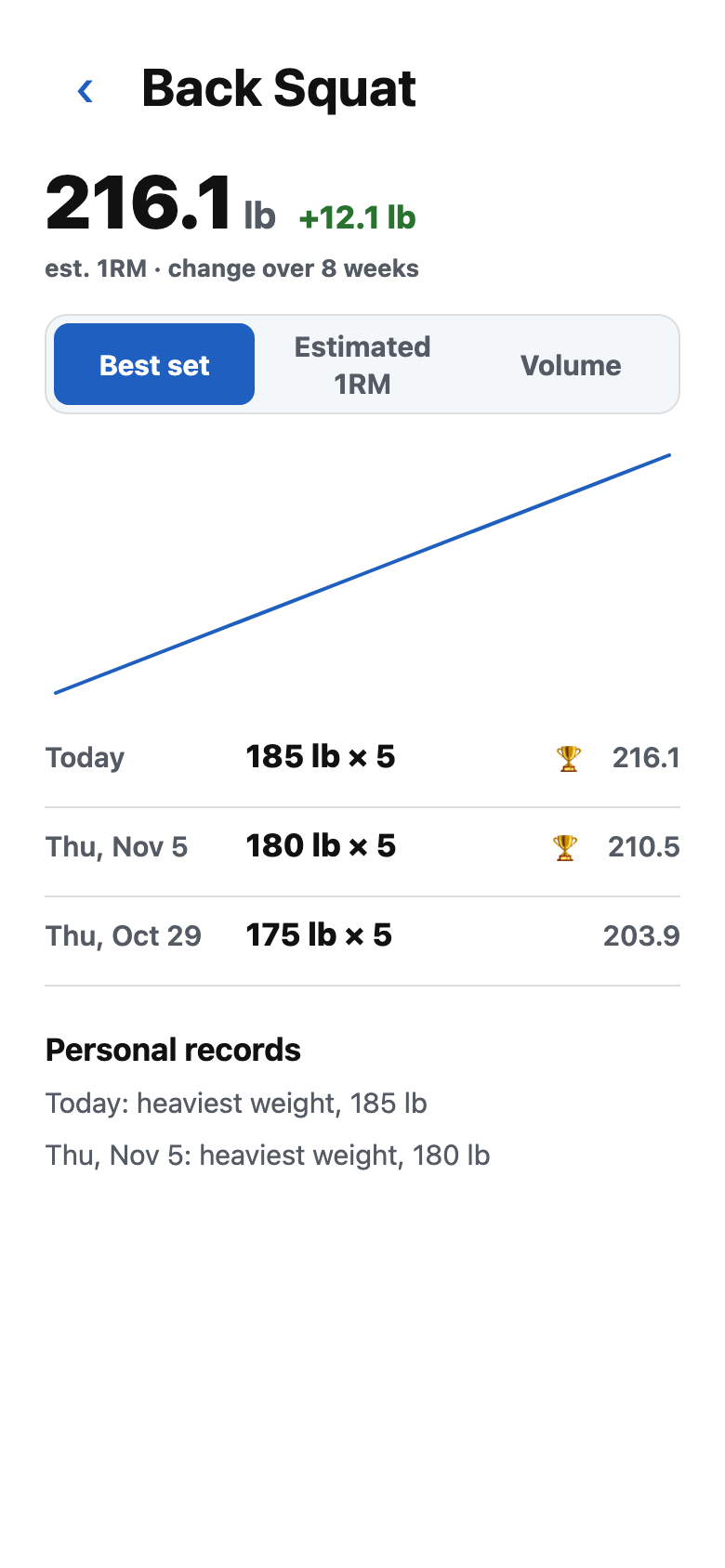
Every lift shows its estimated one-rep max and how it moved over eight weeks, with each session and record behind it.

Every week the app looks at three things you already log, and works out your next estimate from all of them.
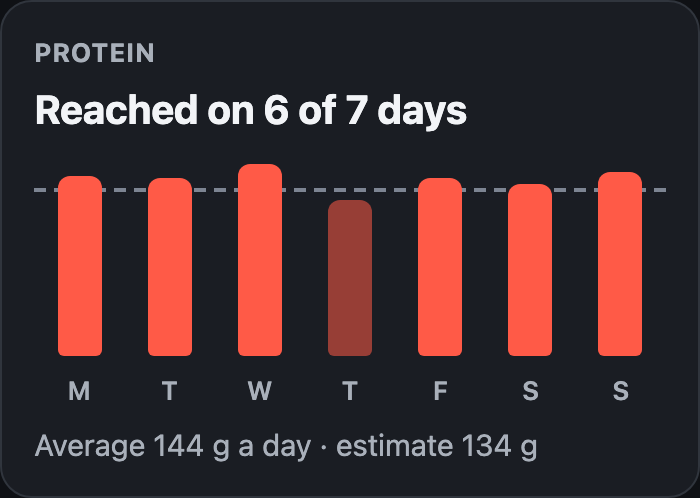
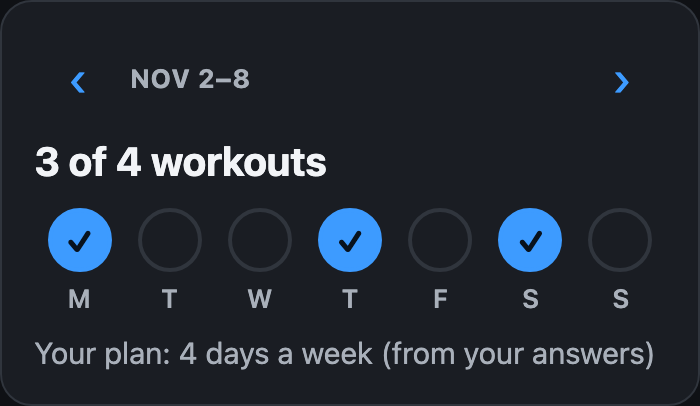
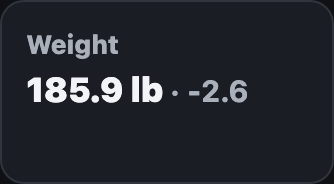
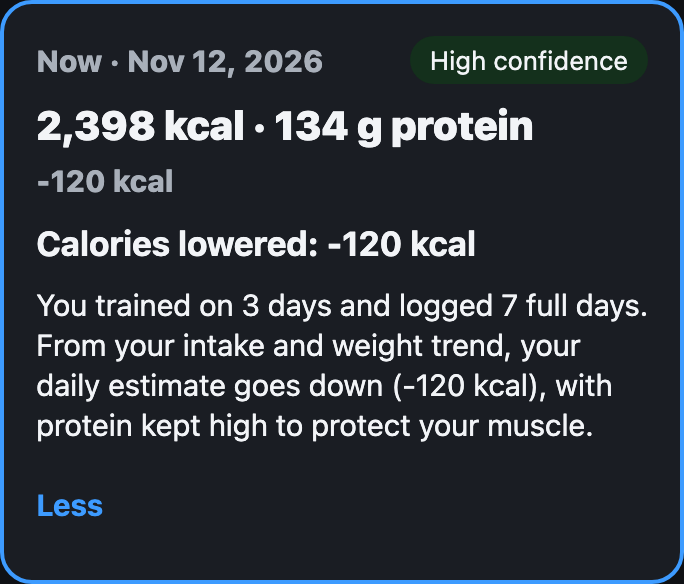
A calorie app cannot see your lifts. A lifting app cannot see your plate. This one reads both before it changes a number.
Screens of the app with a made-up account. Not a promise of results.
What you stop juggling, in the three colours you will see every day in the app.
Food and lifting in one place, so your training shapes your food estimates.
No higher tier, and nothing you use moved behind one later.
During the trial or after it.
Your food diary, weights and recipes come with you. Importing is coming at launch.
See the full comparisonStill have one? Write to us
Yes. You log what you do, and the app works out your calorie and protein estimates from it, whether you train three days a week or are only starting. If you do not train yet, you can still log food and see your weekly estimate. Add workouts when you are ready.
They are estimates, and the app says so. It starts from the answers you give in a short quiz, then adjusts every week from what you eat, how your weight trends and how often you train. Each change comes with its reason in plain words. The equations and studies behind it are listed on the sources page.
Importing your MyFitnessPal history (food diary, weight and recipes) is coming at launch. It will be the first step after you sign up.
One plan with everything included, and 7 days free to try it. After the trial it is $69.99 per year or $12.99 per month. There is no higher tier and no ads. You can cancel any time in your store account. Shown in US dollars. In other countries the price is shown in the App Store or Google Play.
Your food, weight and workouts are used to run the app for you, and only with your consent. They are never sent to analytics, advertising or error reporting, and we do not sell your data. You can export it, and you can delete your account at any time: we delete your personal data within 15 days, except what the law requires us to keep.
The app can connect to Apple Health on iPhone and Health Connect on Android. It is optional: you can use the app without it.
Coming soon to the App Store and Google Play